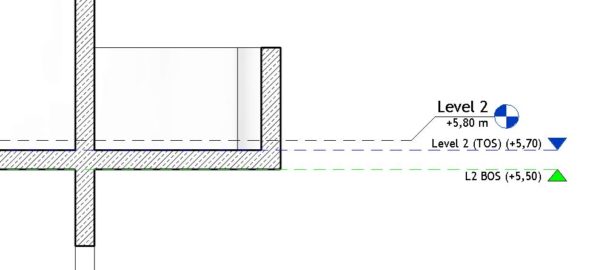
Snap Revit® Temporary Dimensions to Wall Faces or Opening Edges
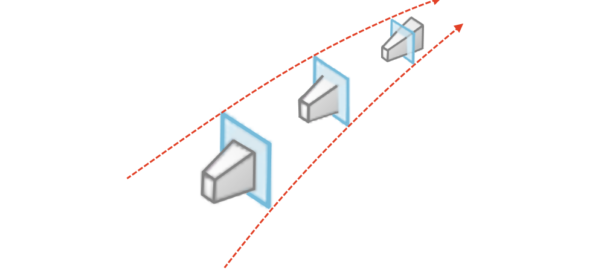
Most of the time we do not want our temporary dimensions to snap to Wall or Opening centerlines, like this: Read More
Don’t you hate “Can’t rotate element into this position.” error message in Revit?
Let’s say you need to rotate element into a position in which Revit will not let you. There is a simple solution, but it includes creating additional family.
For our example we will take a book family with “Always vertical” parameter turned on. It does not matter, we do not need to switch it off. Read More
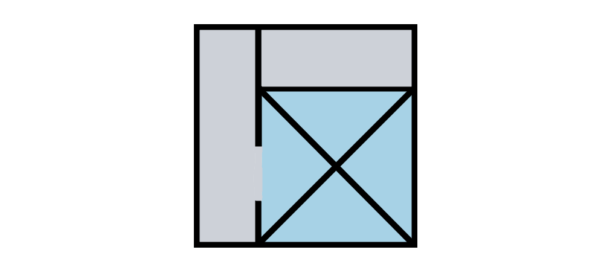
In Revit®, computation height is the distance above the room level where room perimeter is measured.
By default, computation height is 0 units above base level of room. To place rooms, they first must be enclosed with room bounding elements. Read More
Far clipping is parameter that we control when creating section, elevation or callout.
The far clip plane is defined with the Far Clip Offset parameter. Read More
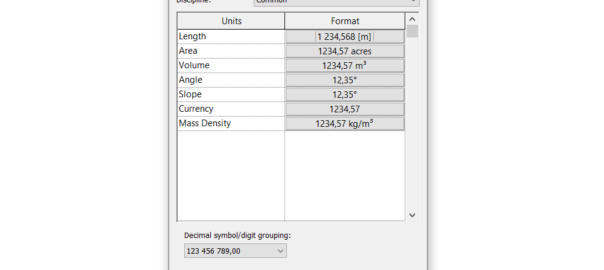
Setting Revit project units may sound trivial, but there are couple of hidden gems that everyone should know about.
To run project units dialog, on Revit ribbon go to Manage > Project Units, or use keyboard shortcut UN (as United Nations) like everyone do. Read More
Linking Revit files is an essential method to collaborate on BIM project, primary, but not exclusive, for interdisciplinary collaboration.
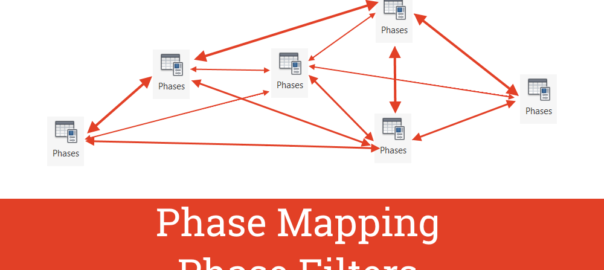
When multiple phases are present in project model (more than one phase), phase mapping occurs. Read More
Creating (producing) PDF with layers from Revit®, using Print to PDF option is, unfortunately, not possible.
The solution, however, is simple. If you have AutoCAD®.
Let’s say you have Revit® view or sheet that you want to have in PDF with layers so they can be turned on/off appropriately. The procedure to achieve this is simple: Read More
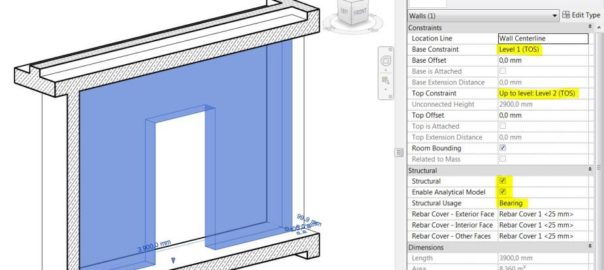
Practical guidelines for modeling structural elements in Revit® include:
Guidelines for vertical structural elements:
guidelines for horizontal structural elements: Read More
“Set levels and grids? Just throw a few of them in the model and let’s do some real modellin’!”
Levels are the most important elements of a Revit model. Grids are important, but not so much as levels (you know, if you delete a grid, nothing will get deleted with it like when you delete a level).
Your whole future (re)modeling work depends on how you plan and set your levels in the beginning. Levels and grids are “the structure” of your Revit model. You don’t need to be a structural engineer to know the importance of a good structure. Here are some important tips about how to properly Read More
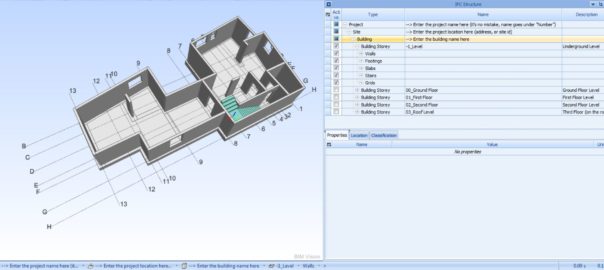
Let start our structural modeling with some tweaks to the Revit template for successful later IFC export. To align with IFC file organization, in Revit project or template file we need to add additional parameters and enter values to the correct existing ones.
General IFC file organization: Read More